Approvals
Approvals pause a proposed action when your Auto-Approve settings require you to accept or reject it.
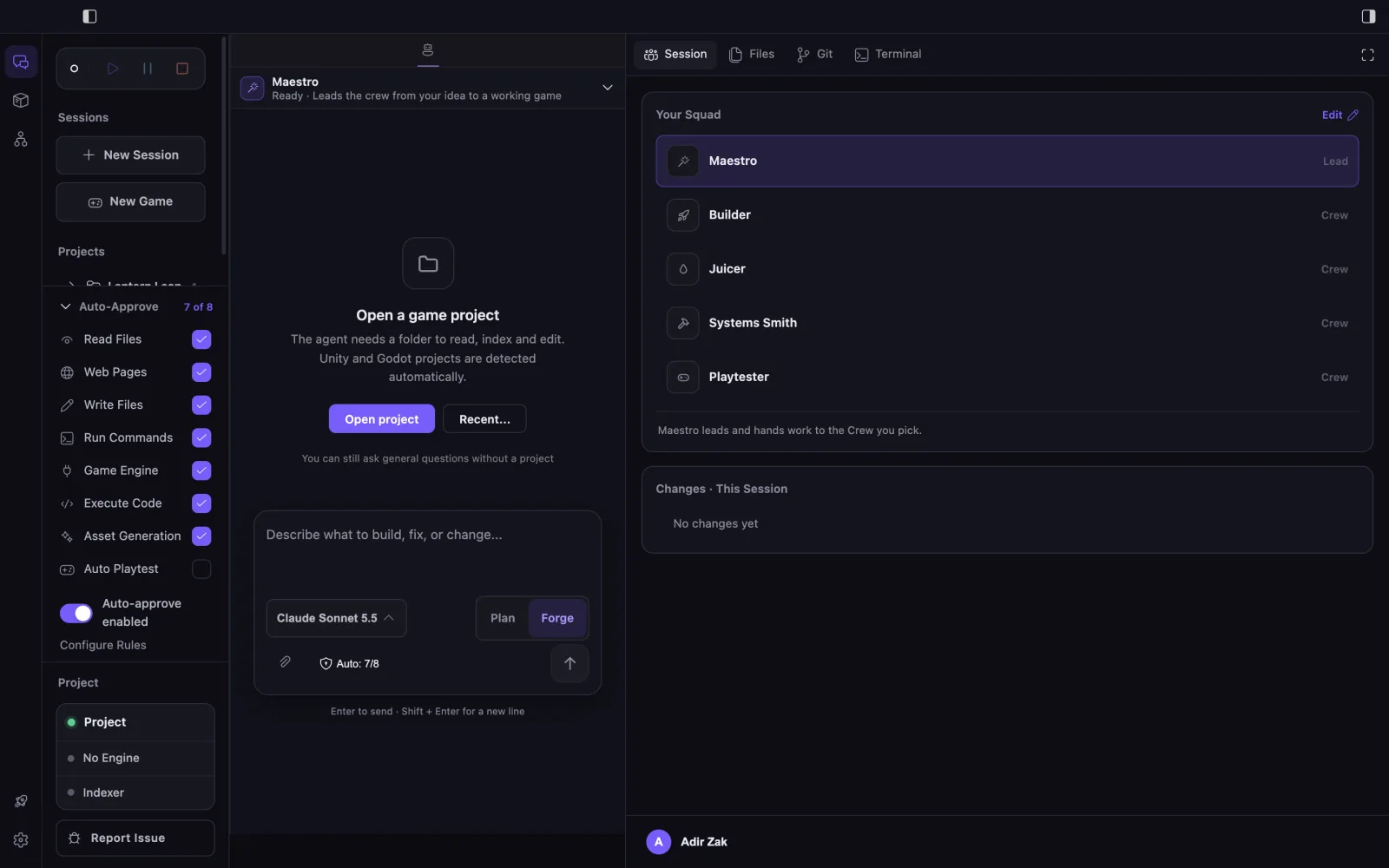
When a request appears
The agent shows what it wants to do and waits for a decision. For work a specialist does for Maestro, the approval card shows the command and why it asks. Review that scope rather than relying on the button label alone.
Review procedure
- Confirm the active project, session and agent.
- Inspect the proposed action and its target.
- Deny or refine a request whose purpose or scope is unclear.
- Allow the action only when it matches the intended task.
- Inspect the resulting changes, diff and evidence.
Auto-Approve categories
Auto-Approve is on by default so the Crew can build a game end to end; every turn is checkpointed and its file changes can be undone. Turn a category off to be asked first:
- Read Files: read and search files.
- Web Pages: open web pages. Pages from the agent’s own searches and links you write never ask.
- Write Files: create and edit files.
- Run Commands: run terminal commands.
- Game Engine: modify scenes and objects in the engine.
- Execute Code: compile and run code the agent writes in the game engine. On by default. Turn it off to approve each run yourself.
- Asset Generation: generate game assets such as sound effects, music and synthetic character voice lines. Each generation uses credits.
- Auto Playtest: off by default; turn it on here. Sends the Playtester after a change to how the game plays instead of asking. A playtest takes a few minutes and uses credits.
Command boundaries
Command approval can also be narrowed with allowed and denied command rules. A denied rule still blocks the command, and an unknown or unmatched action can still require a decision.
Limitations
Approval confirms permission to attempt the action, not that its output is correct. Auto-Approve never gives an agent tools outside its role or makes Plan mode writable.