Plan and Forge
Plan and Forge make the boundary between reasoning and action explicit across the EngineForge Crew.
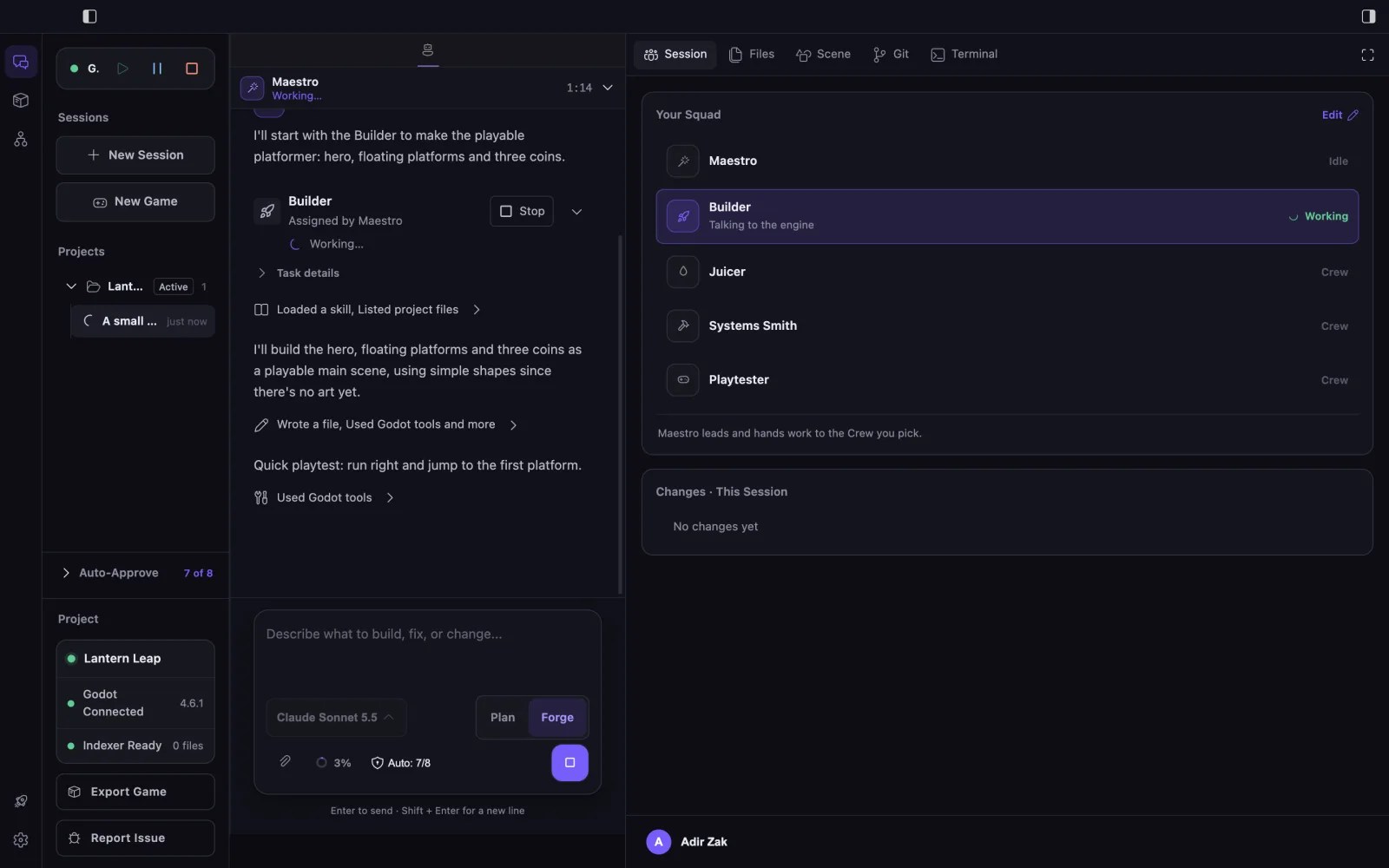
Plan
Plan is a read-only mode, not an agent. Maestro can inspect project context, reason about the objective, identify risks, and prepare specialist tasks without changing files or engine state.
Forge
Forge enables implementation through the allowed tools of a specialist called by Maestro. The exact actions depend on the role, project, engine connection, and approval policy.
Recommended flow
- Describe one clear goal.
- Use Plan to inspect context and agree on a direction.
- Let Maestro identify the specialist useful for the next step.
- Move to Forge and handle any approval request.
- Review changed files and diffs, and choose whether to playtest.
What you see
The chat box shows which mode is on. In Plan, nothing in your project changes. In Forge, you can follow the work in the agent’s replies, approval cards, the session’s changed files, and the evidence it reports.
Limitations
Forge is not permission for unrestricted action. You still review the result, and engine actions need the engine to be open and connected.